

Tab Screenshot

为打击盗链困扰,防止批量下载,本站已启用公众号验证。
微信扫码关注上方公众号,回复 “验证码” 二字获得验证码,验证码当天全站有效。
-
简介:生产工具
- 攻略:下载的 crx 插件如何安装到浏览器上?
- 简介:生产工具
- 攻略:下载的 crx 插件如何安装到浏览器上?
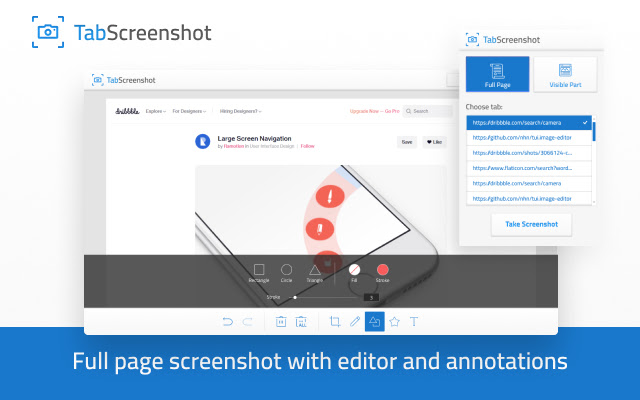
Full-page screenshot tool with annotations
标签的屏幕截图是与注释的功能强大的图像编辑器截图工具。
*特征 **
*可见部分或全页面截图
*批注工具:裁剪,抽奖,各种形状,图标,文本注释,色彩。
*保存为一个文件或复制到剪贴板
如何使用应用程序:
1.打开一个扩展的工具栏按钮的弹出窗口点击通过
2.选择一个选项卡和屏幕截图型全页或部分
3.取一个屏幕截图,并等待它完成
4.编辑图像
5.保存到文件或复制到剪贴板
Tab Screenshot is a screenshot tool with a powerful image editor for annotations.
*Features **
Visible part or full-page screenshots
Annotation tool: crop, draw, various shapes, icons, text annotations, colors.
Save as a file or copy to clipboard
How to use the app:
Open a popup window by clicking on an extension’s toolbar button
Select a tab and screenshot type full-page or partial
Take a screenshot and wait for it to be finished
Edit the image
Save to a file or copy to the clipboard
评论